Platform
On your server, connected across your office
Your records stay on your own server. Staff work in a fast Windows desktop client over your office network.
How it fits together
Three parts, one installation
Windows desktop client
Keyboard-first, several task windows at once. No third-party components.
FYNEXO server
A Windows service with restricted rights. Every rule is checked here.
PostgreSQL 16
Company isolation with row-level security. Installed by Setup.
Access from outside the office over HTTPS: coming soon.
Desktop client
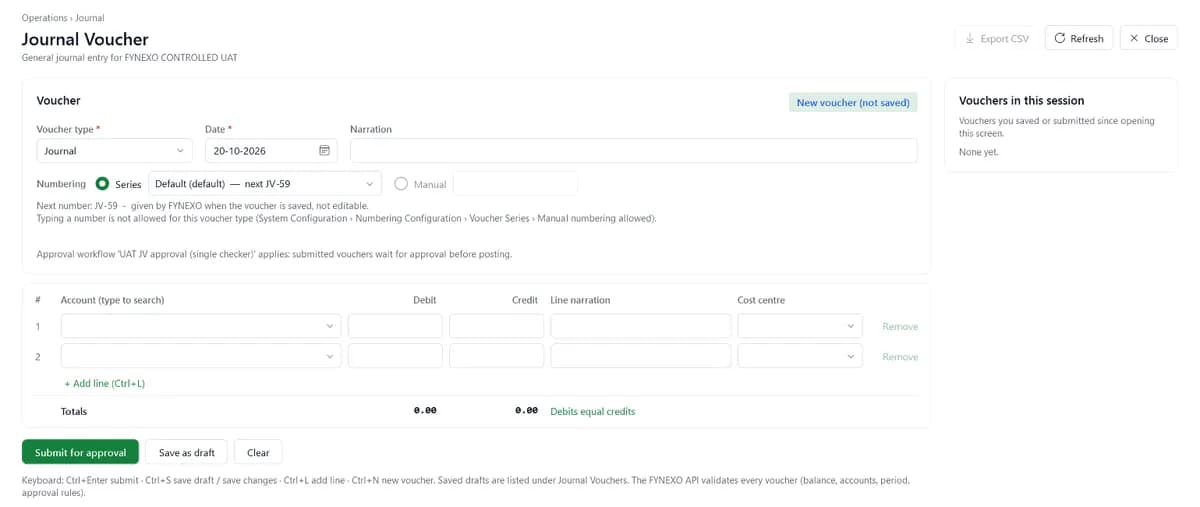
Built for fast keyboard entry
Runs on the .NET Framework 4.8 built into Windows. The session token is kept in memory only.
- Ctrl+1..9 Jump to a menu
- Ctrl+N New account or voucher
- Ctrl+L Add a voucher line
- Ctrl+Tab Next task window
- F5 Refresh
On-premise
Your data, your server
FYNEXO operates on your own on-premise server. Business data remains exclusively on your server, under your control.
Your team looks after
- Regular database backups, on and off the server
- Your office network and firewall
- Windows updates and upkeep of the server PC
FYNEXO does not include a built-in backup scheduler. See Resources for how to back up with PostgreSQL's own tools.
Android app
Coming soonFYNEXO in your pocket
In testing: IMEI camera scanning, WhatsApp statements and approvals away from your desk, connected to your own server.
About the mobile appTesting
Checked before every release
- More than 4,000 automated server tests
- About 800 automated screen tests
- Every installer installed and upgraded on a clean Windows system
Plan your installation
Talk to FYNEXO support about your server and network.